
Download Logyx Pack – Logic Games, Puzzle Collection, Classic Games, Free Download
Overview
Logyx Pack is a compact and efficient software application designed for users seeking a diverse library of logic and intelligence-based games. With a total of 151 games included, the app offers a rich collection spanning multiple genres such as puzzles, board games, card games, and timeless classics. The primary purpose of Logyx Pack is to provide an accessible, lightweight platform for mental stimulation and entertainment through gameplay that challenges reasoning, strategy, and problem-solving skills.
It serves as a digital archive of well-known and lesser-known titles, making it ideal for casual gamers, puzzle enthusiasts, and individuals looking to engage in brain-training activities. The app targets users who value simplicity, speed, and variety in their gaming experience, particularly those using Windows-based systems. Although the developer did not provide additional technical details about the background or history of Logyx, the app’s clean structure and organized layout suggest a focused development approach centered on usability and content accessibility.
Real-world use cases include daily mental exercises, family game nights, or quick breaks during work or study. In the broader software ecosystem, Logyx Pack fills a niche for free, ad-free, and lightweight game collections that prioritize gameplay over monetization, offering a refreshing alternative to bloated or subscription-based platforms.
Key Features & Functionality
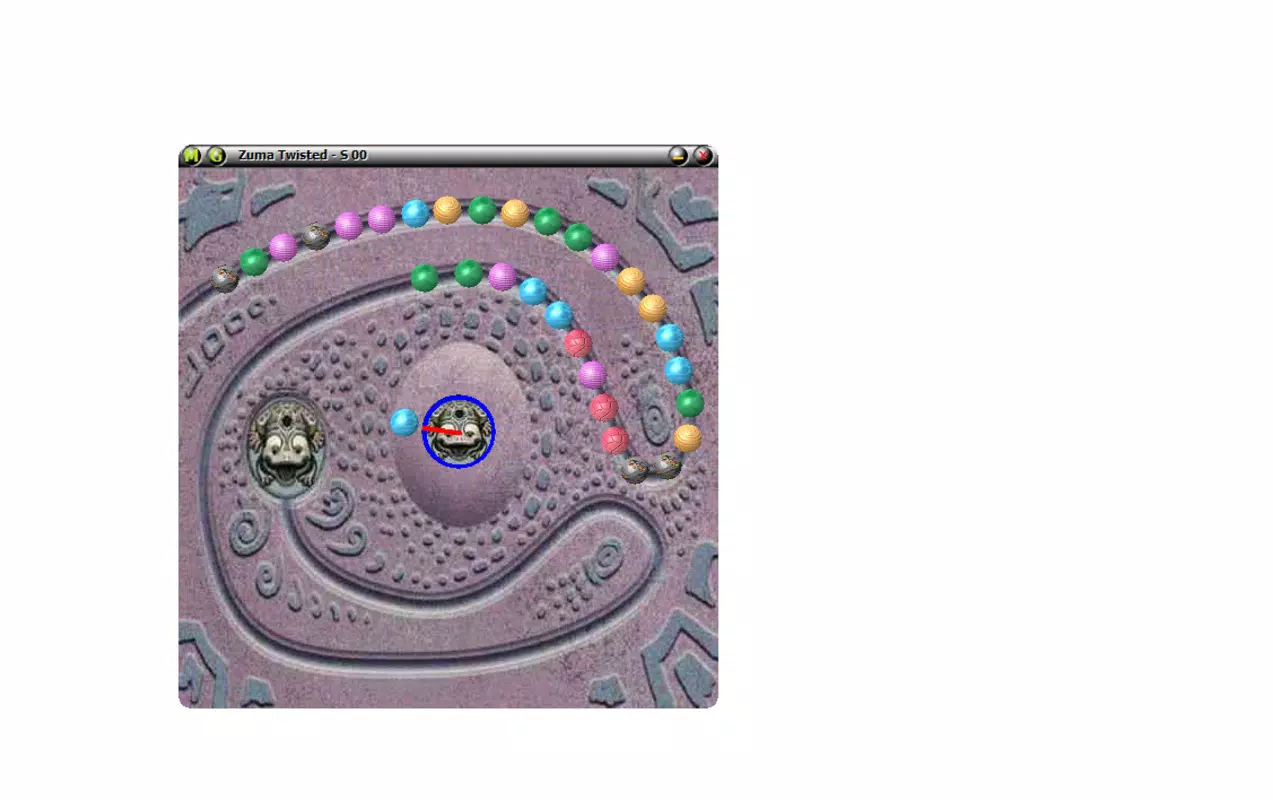
- Extensive Collection of 151 Games: Logyx Pack delivers a broad range of games, including classics like Tetris, Minesweeper, and Solitaire, alongside niche logic puzzles and strategy titles. This variety ensures that users of different skill levels and interests can find engaging content.
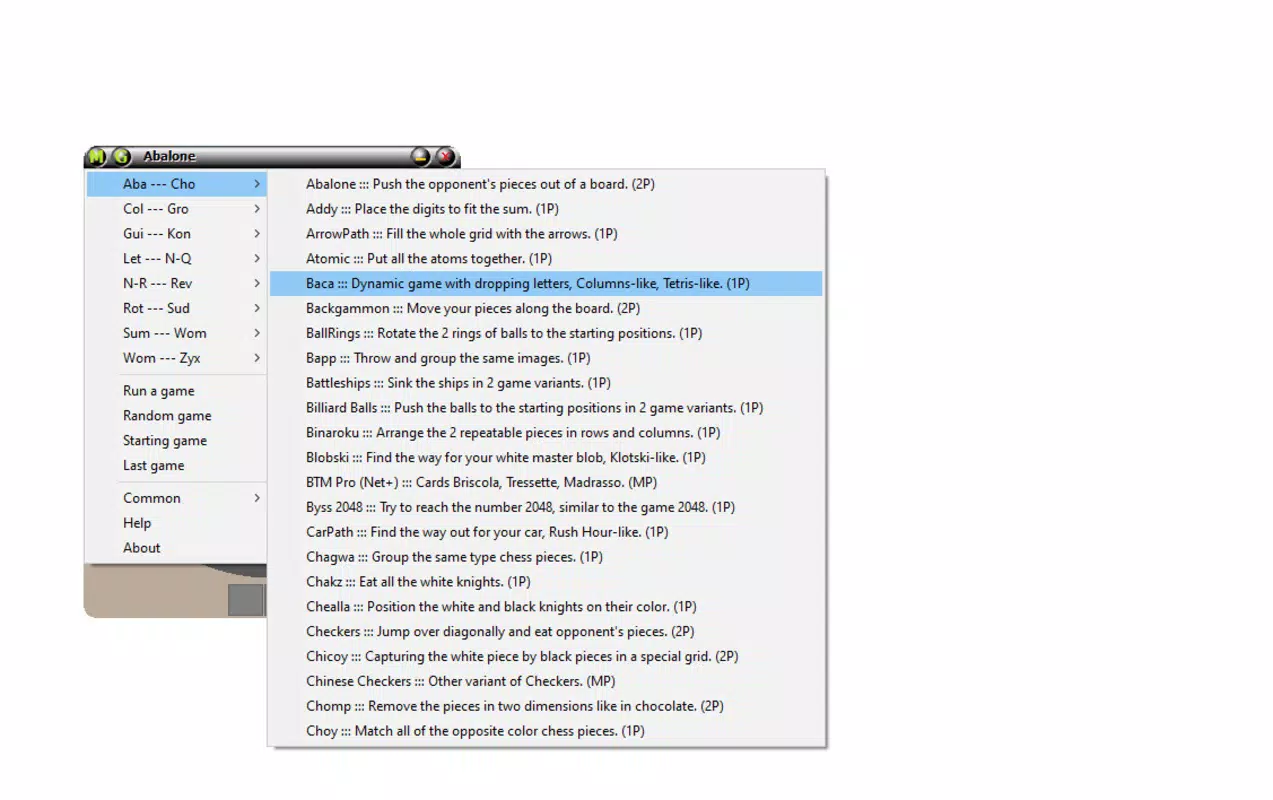
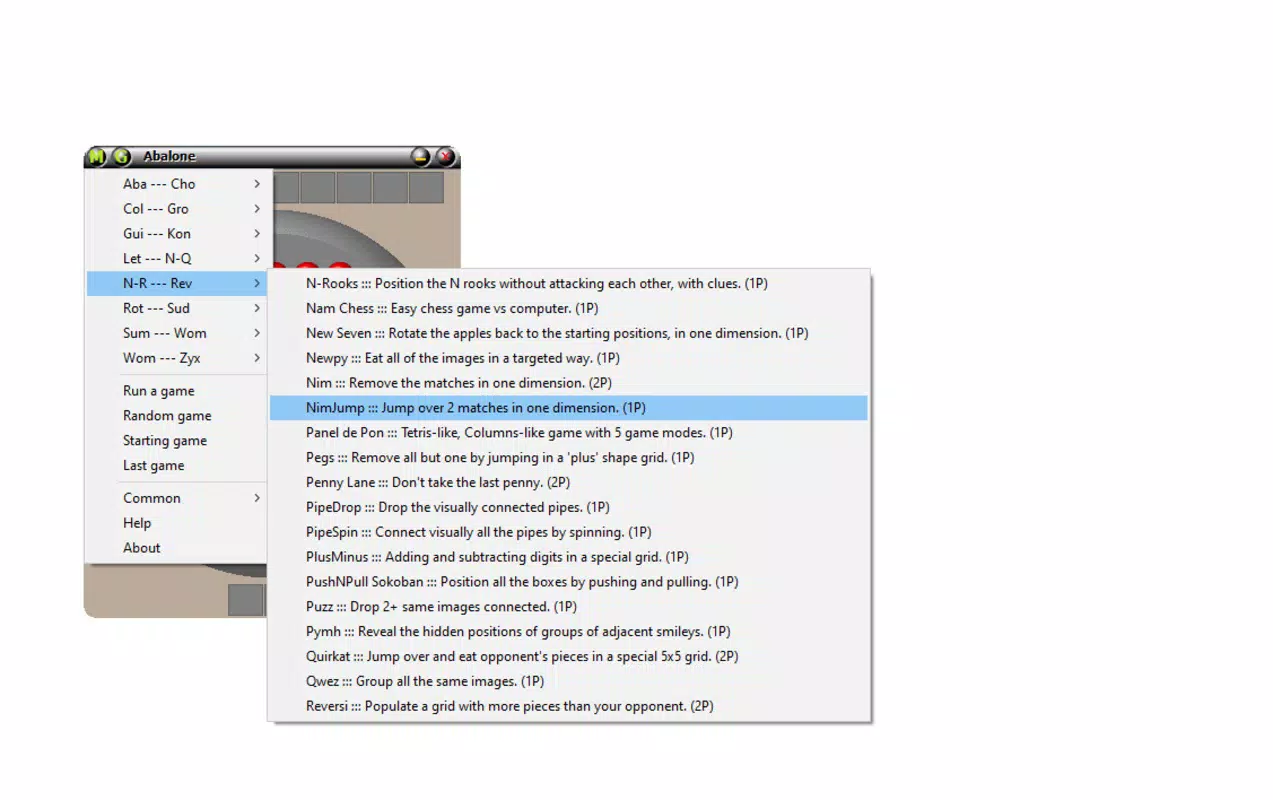
- User-Friendly Interface and Organization: Upon launch, the app displays the game "Abalone" and presents all titles in alphabetical order. A menu in the upper-left corner allows instant access to the full list, streamlining navigation and reducing time spent searching.
- Customizable Experience: Users can personalize their experience through a drop-down menu. Options include adjusting window size, changing background colors, toggling sound effects, and enabling or disabling game descriptions for better discovery of lesser-known titles.
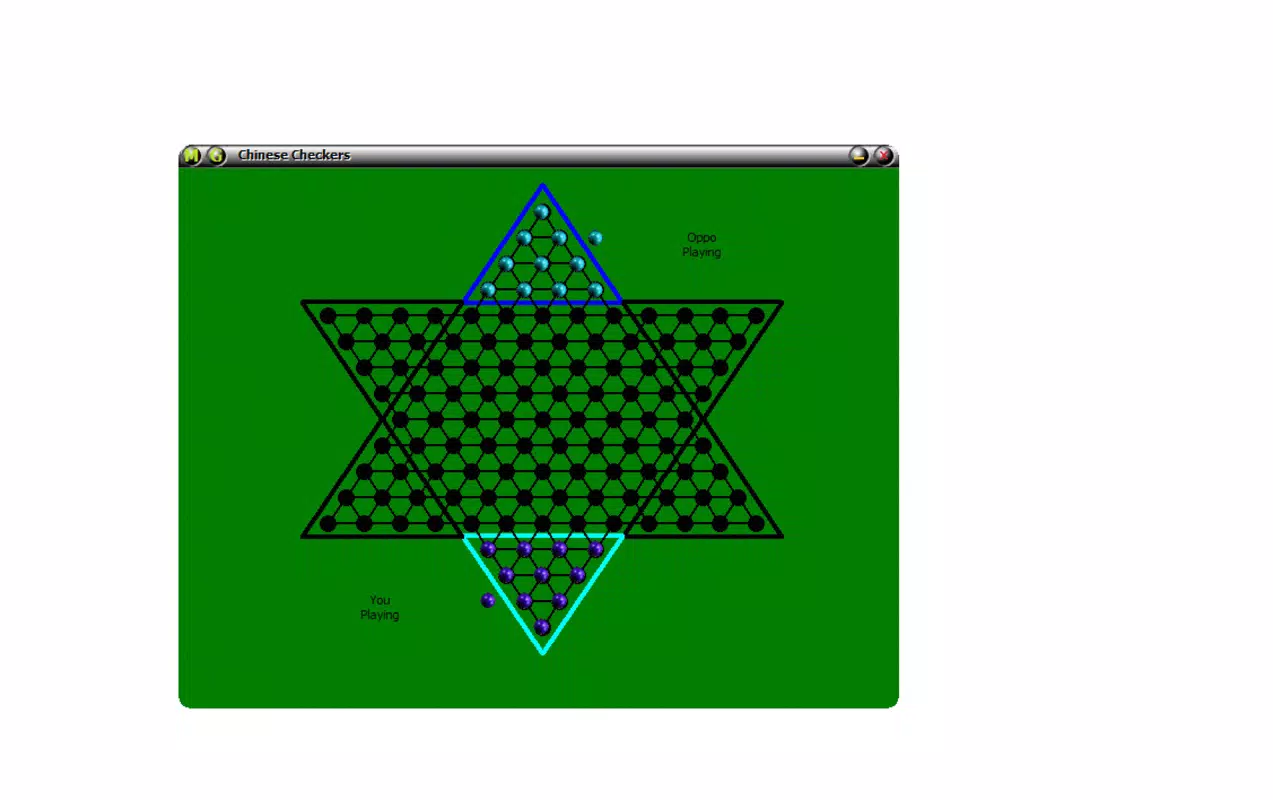
- Single and Multiplayer Modes: The app supports both solo play and shared sessions on the same device, allowing friends or family to engage in cooperative or competitive gameplay, enhancing social interaction and shared enjoyment.
- Lightweight Design: At just 45.8 MB, Logyx Pack is optimized for performance, ensuring quick loading times and minimal system resource usage, ideal for older or low-spec machines.
Each feature is designed to enhance accessibility and user engagement. For example, the alphabetical listing helps users locate specific games quickly, while customizable settings allow for tailored experiences—such as disabling sound for quiet environments or adjusting visuals for better visibility. The inclusion of multiplayer functionality on a single device enables shared entertainment without requiring additional hardware or network connections. These capabilities make Logyx Pack a practical tool for both individual mental challenges and interactive family time.
Interface, UX & Performance
The user interface of Logyx Pack is minimalistic and intuitive, with a clean layout that prioritizes content over decoration. The main screen opens directly to the "Abalone" game, providing immediate access to gameplay while still offering clear navigation to the rest of the library. The use of alphabetical organization ensures predictable access to any title, reducing cognitive load during selection.
Navigation is streamlined through a simple menu in the upper-left corner, allowing users to browse the full list without confusion. The interface responds promptly to user input, maintaining smooth transitions between games and settings. Although the developer did not list formal performance metrics, the app’s lightweight nature suggests efficient memory and CPU usage, making it suitable for use on a range of Windows devices, including older or low-resource systems.
Responsiveness is consistent across interactions, with minimal lag during game launches and menu changes. Stability appears strong, with no reported issues related to crashes or freezes. The overall user experience is frictionless, emphasizing ease of use and immediate engagement.
Users can quickly switch between games, adjust settings, and return to play without interruption. The absence of ads or intrusive elements further enhances the sense of control and focus.
Platform Compatibility & Technical Requirements
Logyx Pack is designed for the Windows operating system. The current version is 1.0, and the application file size is 45.8 MB. The developer did not specify minimum OS requirements or compatibility details beyond the platform.
As such, users should ensure their system meets general Windows compatibility standards. The app is available for free download, making it accessible to a wide audience. Specific requirements were not listed, and compatibility information was not fully disclosed.
However, the lightweight nature of the software suggests broad compatibility with most modern Windows systems. Users should verify system specifications before installation to ensure optimal performance. The app does not require installation of additional software or runtime environments, simplifying the setup process.
This low barrier to entry enhances its appeal as a portable, ready-to-use game library.
Pros and Cons
Pros
- Free to download and use with no hidden costs
- Extensive library of 151 games across multiple genres
- Lightweight at only 45.8 MB, suitable for older devices
- Simple, intuitive interface with alphabetical game listing
- Customizable settings for background, window size, and sound
- Supports both single-player and shared multiplayer sessions
- No advertisements or in-app purchases
Cons
- Compatibility information was not fully disclosed
- Developer did not provide technical specifications or system requirements
- Only available for Windows, limiting cross-platform access
- No automatic update notifications or version tracking
- Limited visual customization options beyond basic settings
FAQ
Is Logyx Pack safe to download and install?
Yes, Logyx Pack is a free application that does not contain malware or intrusive elements. It is distributed without ads or third-party tracking, making it a secure option for users seeking a clean gaming experience.
Can I play Logyx Pack on multiple devices?
Logyx Pack is designed for Windows and does not currently support other platforms. Users can install it on any Windows machine they own, but it is not available for mobile devices or other operating systems.
Does Logyx Pack require an internet connection?
Once installed, Logyx Pack operates offline. No internet connection is needed to play the games or access the app’s features. However, updates may require connectivity if available in the future.
How do I update Logyx Pack?
As of now, the developer has not provided an automatic update system. Users should check the official source for new versions manually to ensure they are using the latest release.
Is Logyx Pack suitable for children?
Yes, the app includes a wide range of family-friendly games that promote logic, strategy, and problem-solving. With no ads or in-app purchases, it is safe and appropriate for younger users when used under supervision.
Final Thoughts
Logyx Pack stands out as a remarkably compact yet comprehensive game collection tailored for users who appreciate logic, strategy, and classic gameplay. With over 150 titles spanning puzzles, board games, and card games, it offers substantial value for a free, lightweight application. Its clean interface, thoughtful organization, and customization options enhance usability, while the support for both solo and shared play broadens its appeal.
Though limited to Windows and lacking detailed system requirements, its minimal footprint ensures accessibility across a wide range of devices. For individuals seeking a distraction-free, ad-free gaming experience that stimulates the mind, Logyx Pack delivers a compelling solution. Whether used for mental exercise, casual fun, or family entertainment, it proves that quality gaming doesn’t require a large download or high-end hardware.
Download Logyx Pack now.


